An online music editor that runs in your browser
THE REMIXITY is made for editing songs, not podcasts. Change the speed and pitch, add reverb to an MP3, shape it with an EQ, cut out the parts you don't want and export a clean file. All of it happens on your device.
Open THE REMIXITY, freeWorks in your browser on iPhone, Android and computers. Nothing to install, nothing uploaded.
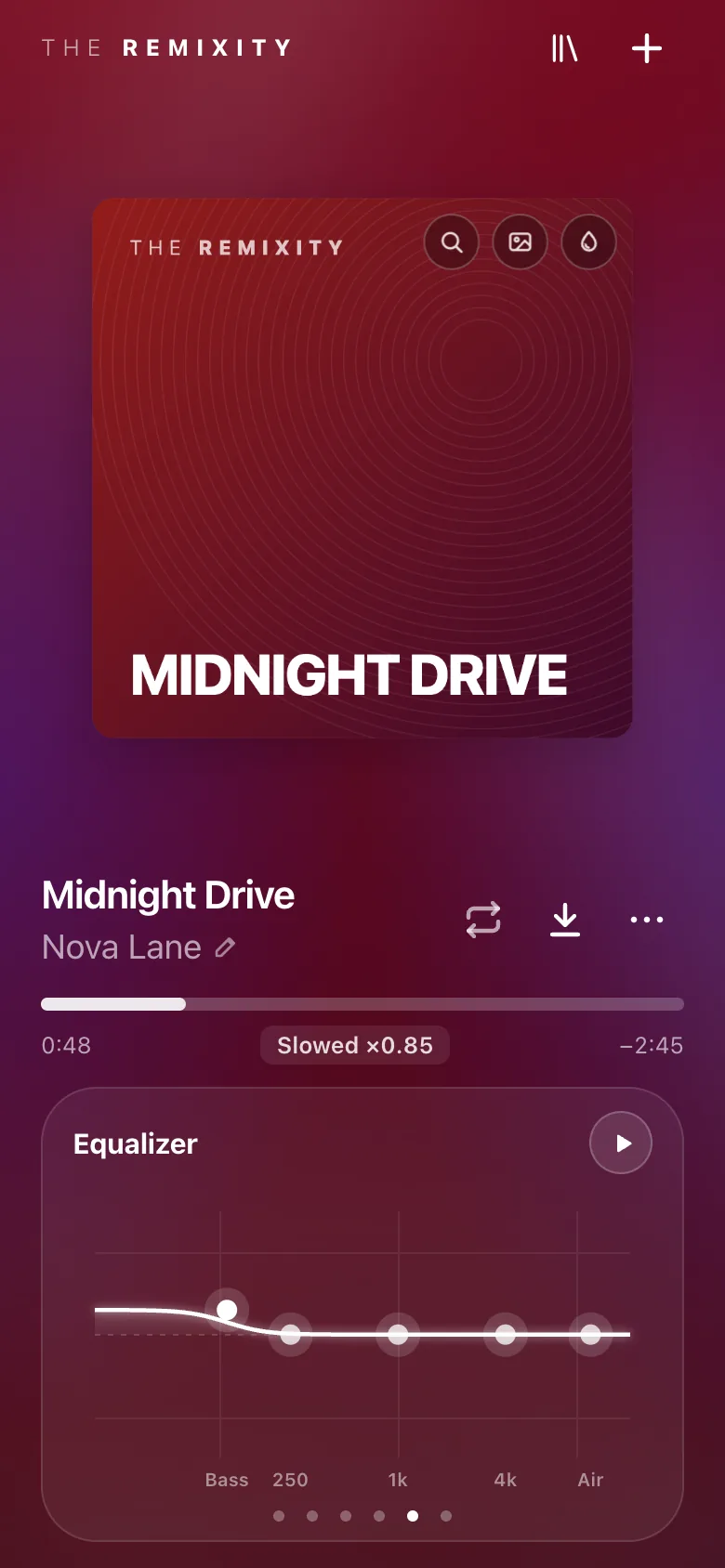
Speed and pitch
Speed up or slow down from ×0.5 to ×1.5. By default the pitch moves with the speed, like a record; with Keep pitch on, a time-stretch keeps the song in its key. The tempo (BPM) is detected for you and follows every change.
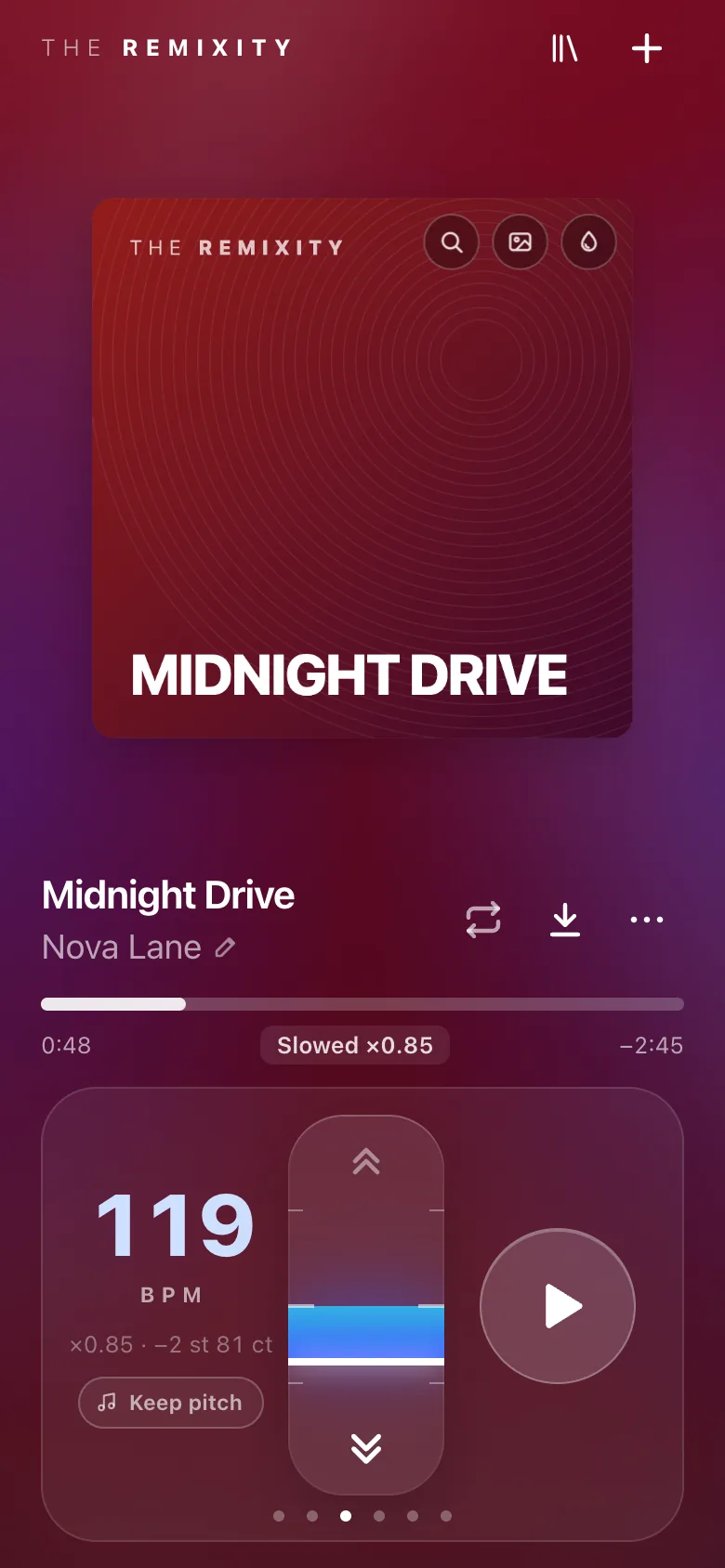
Reverb and echo
Add reverb to an MP3 or any other song: choose how big the room is, how dark it sounds and how much of it you hear. The echo can lock to the song's tempo (quarter, eighth, dotted eighth or sixteenth notes) or be set freely.
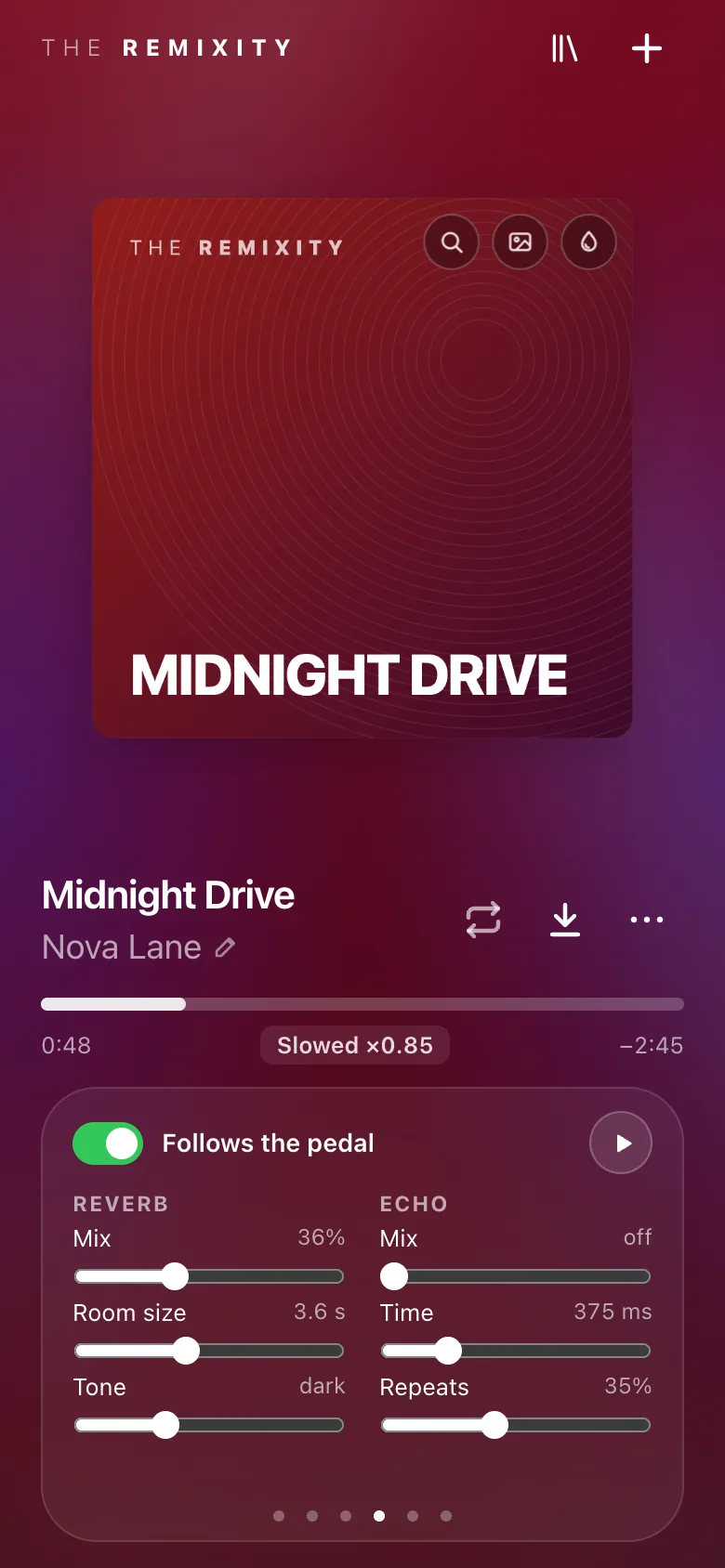
A 5-band EQ you can see
Drag the points to boost or cut the bass, low mids, mids, highs and air, over a live picture of the music's frequencies.
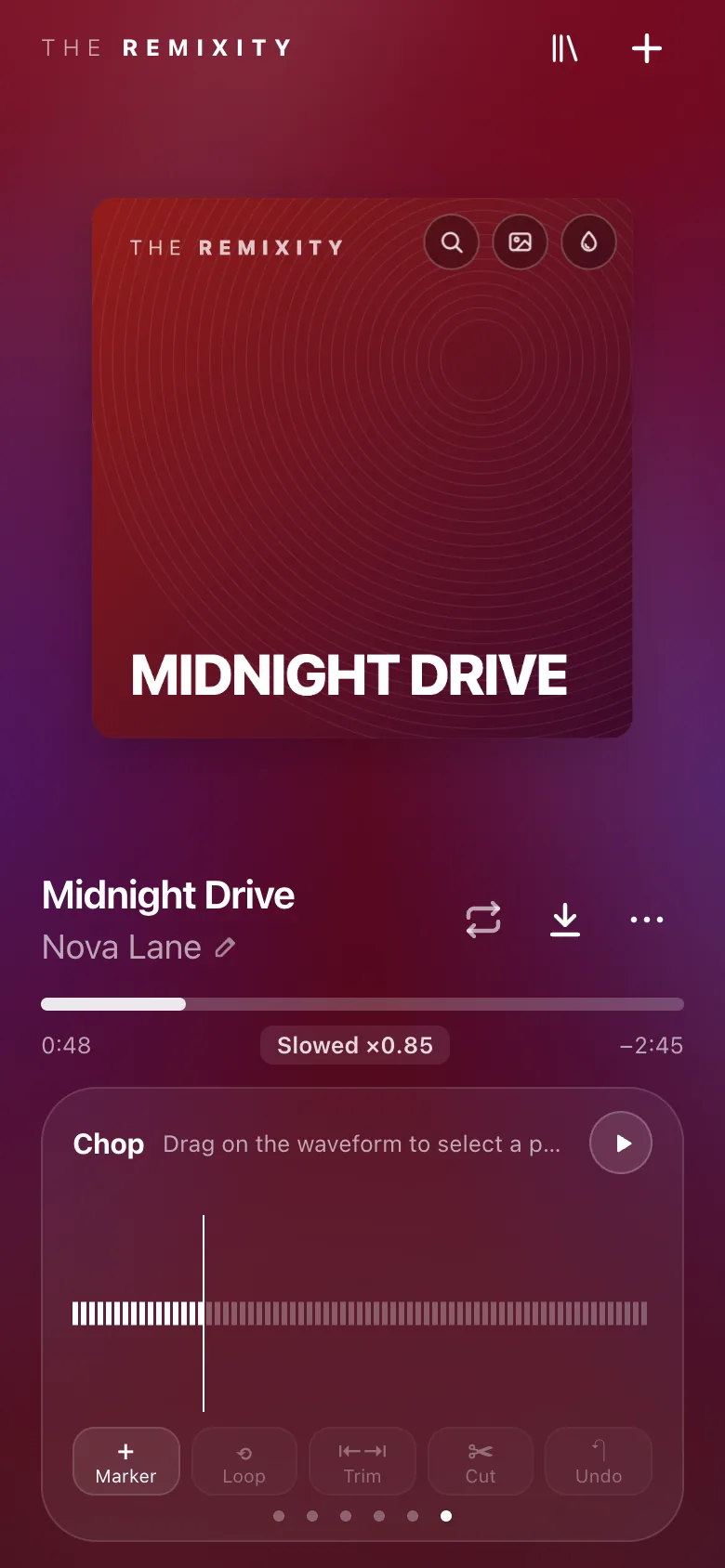
Trim, cut and loop
The Chop page shows the song as a waveform. Select a part to keep only it, cut it out, drop markers, loop a section while you listen, and undo anything.
Clean exports
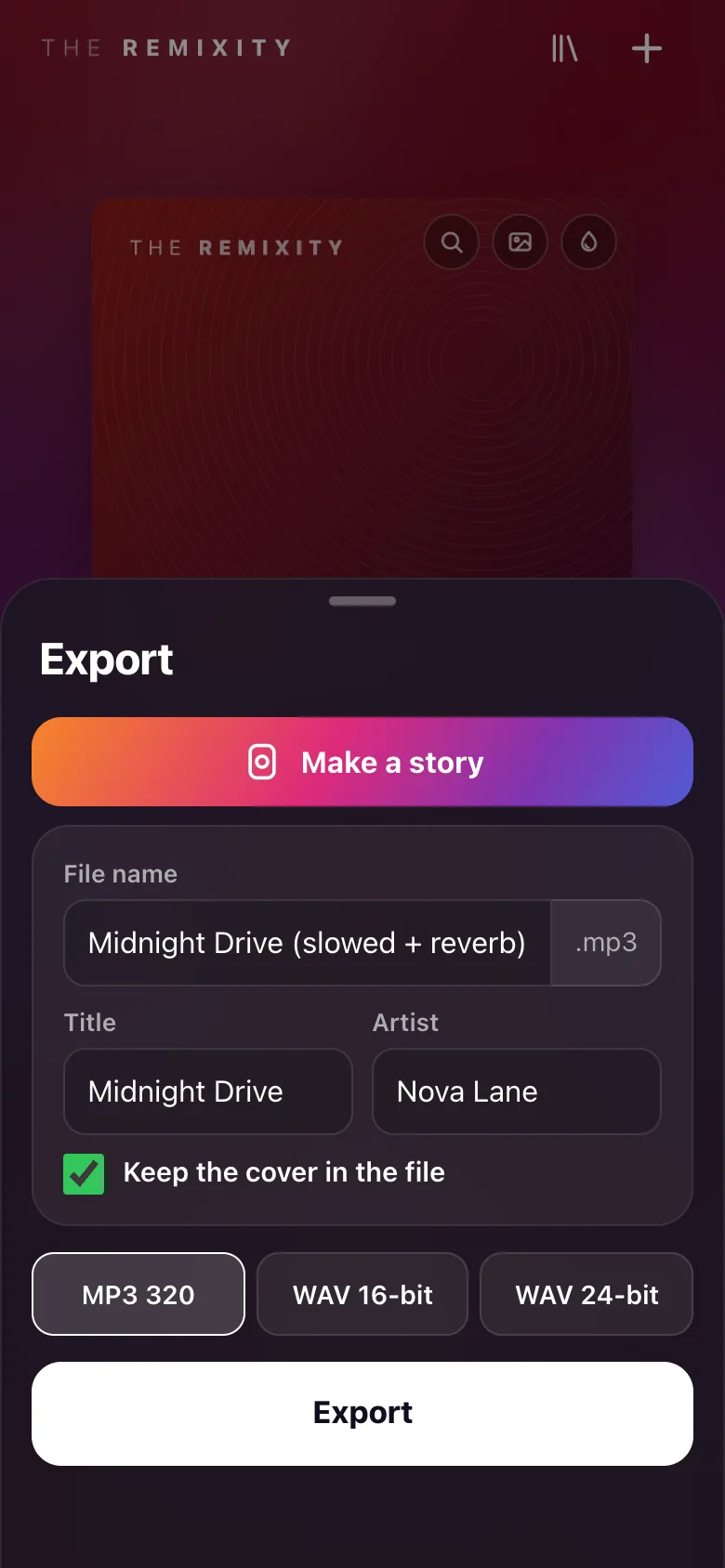
Export as MP3 320 kbps or WAV (16 or 24 bit) with a look-ahead limiter so nothing clips. Set the file name, title, artist and cover art before saving.
How to do it
- Choose a song; nothing is uploaded.
- Swipe through the pages: speed, reverb and echo, EQ, chop.
- Export as MP3 or WAV, or share it from your phone.
Questions
Can I add reverb to an MP3 online for free?
Yes. Open the song, go to the reverb page and set the amount. Export as MP3 when you're done.
Which file types can I edit?
MP3, WAV, FLAC, M4A, AAC, OGG, Opus and AIFF, as far as your browser can decode them (most can).
Will the quality drop?
The audio is processed in 32-bit float and exported as MP3 320 kbps or lossless WAV.