A music player with synced lyrics for your own files
Add your songs or a whole folder and THE REMIXITY becomes your music player: artists, playlists and a queue, with lyrics that light up line by line as the song plays. Your library stays in your browser, on your device.
Open THE REMIXITY, freeWorks in your browser on iPhone, Android and computers. Nothing to install, nothing uploaded.
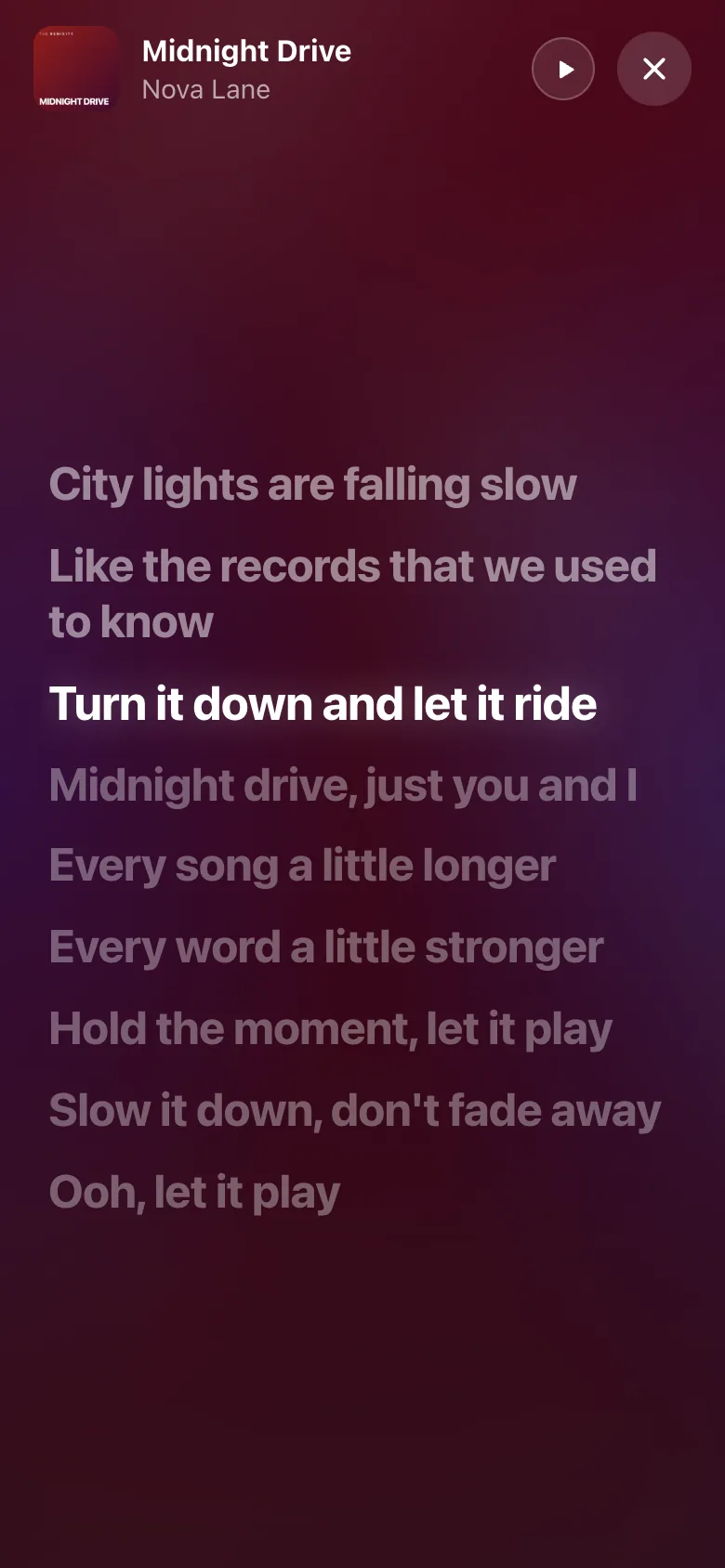
Lyrics that follow the music
For songs with timed lyrics, the line being sung lights up and the rest scroll by on their own. Tap the lyrics for a full-screen view, and tap any line to jump to it. They stay in sync even when you slow the song down or speed it up.
Lyrics come from LRCLIB, an open lyrics database, and are only shown while the song is loaded.
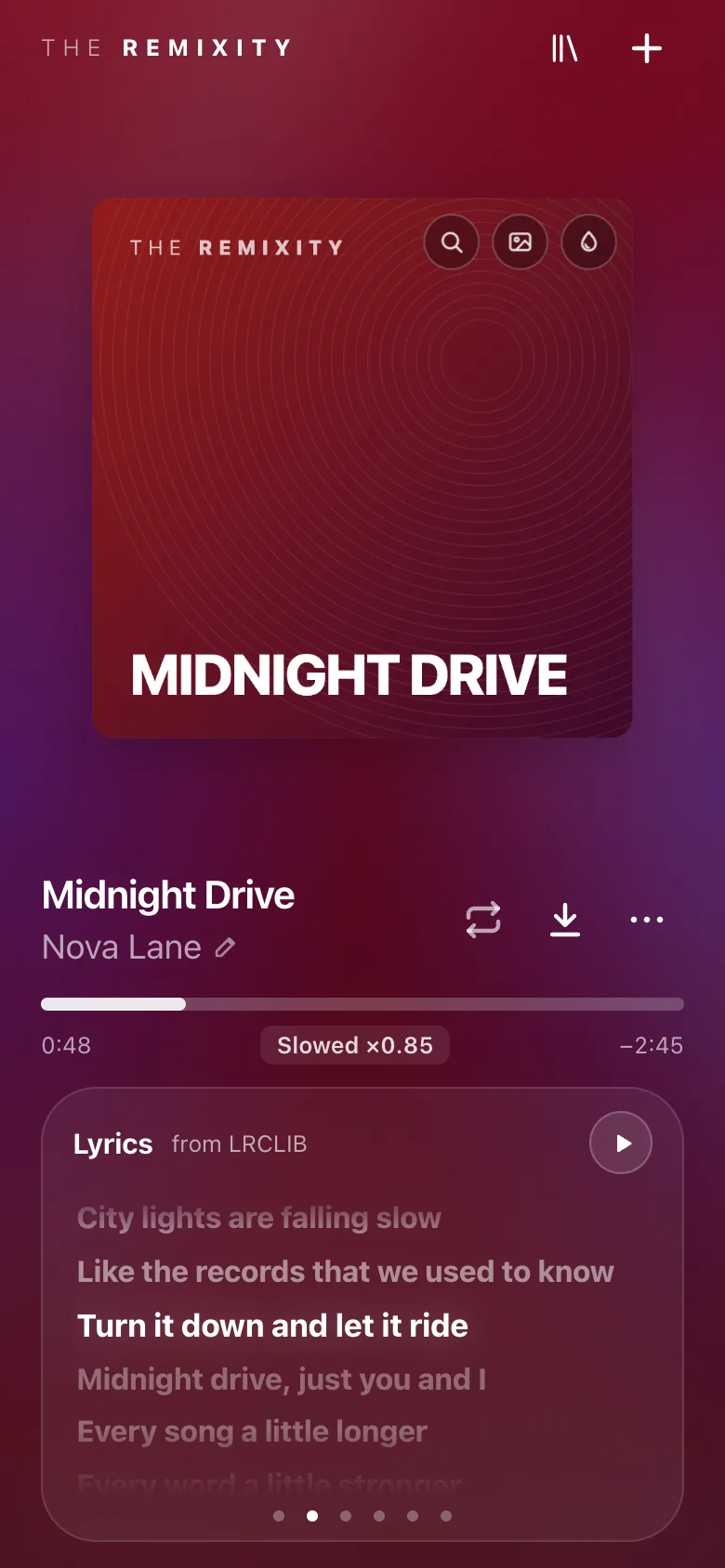
Your library, your device
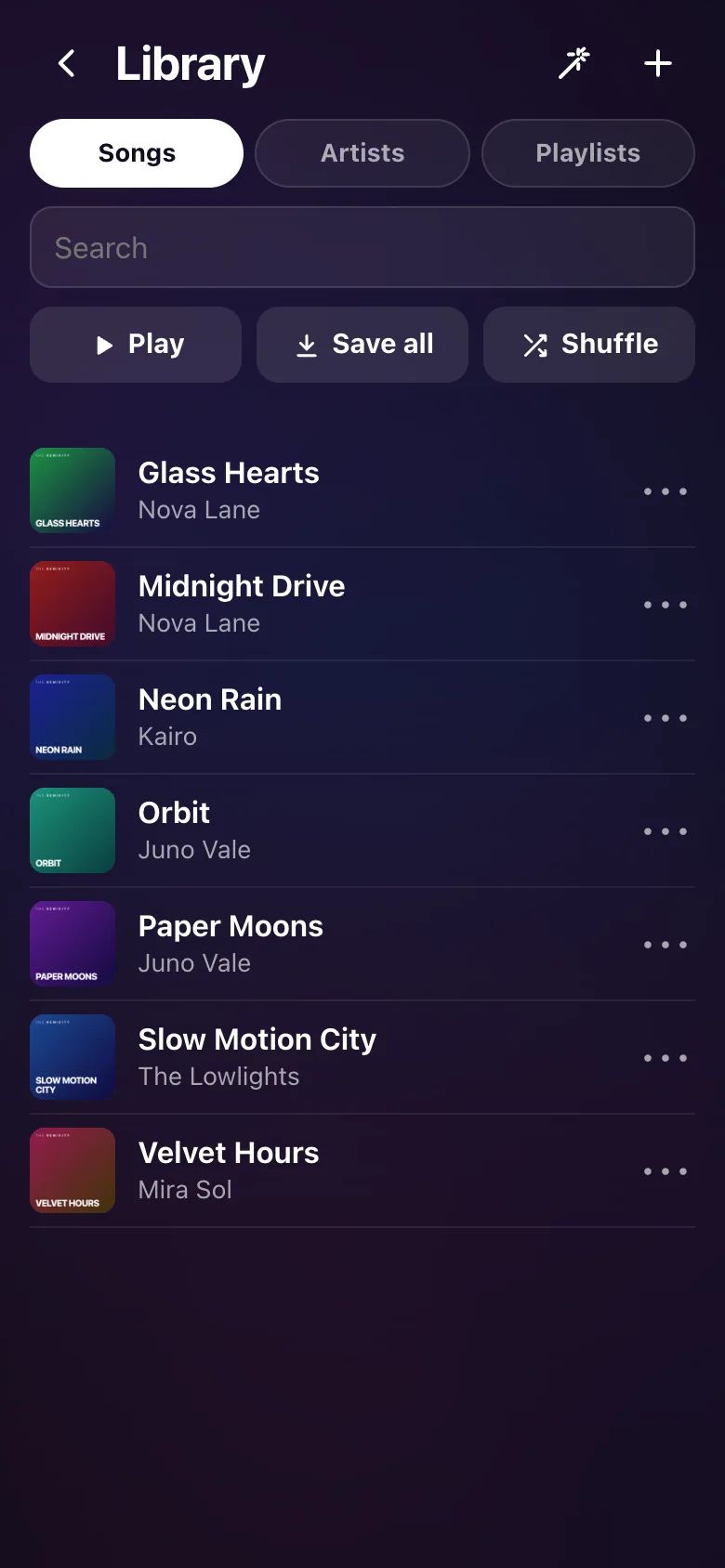
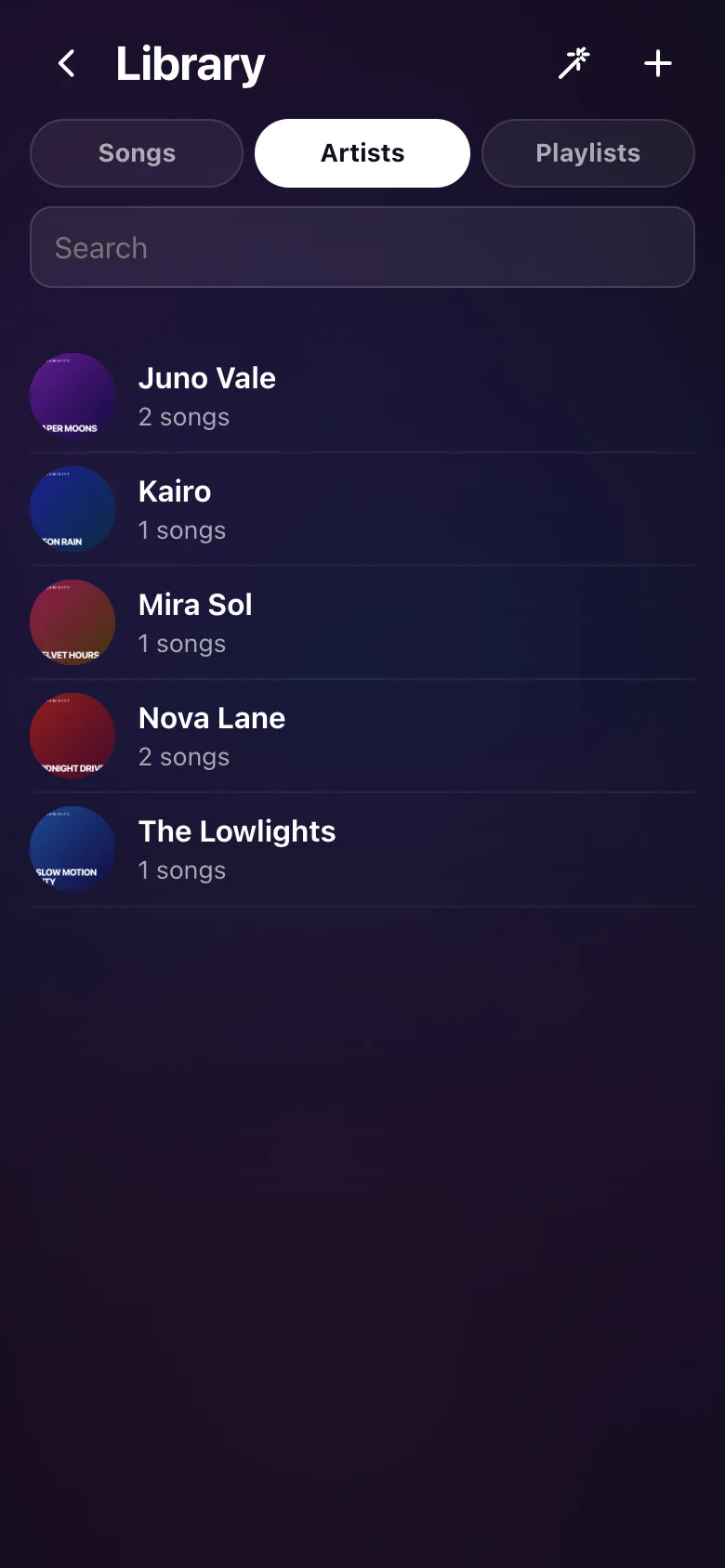
Add songs from Files or a whole folder. They're stored in your browser on this device, sorted into songs, artists (with artist photos) and playlists you make. Play, shuffle, play next, and the queue moves on to the next song by itself.
Fix messy names and covers
Downloaded files often have names like “Artist - Song (Official Video) 320kbps”. Fix my library looks every song up in public music catalogues, proposes the right title, artist and cover, and changes nothing until you approve the list.
Then save cleaned copies, with the new names, tags and covers, back to your Files.
Works like an app
Add THE REMIXITY to your home screen. Music keeps playing with the screen locked, and the lock screen and headphone buttons work: play, pause, next and previous.
How to do it
- Open your library and add songs or a folder.
- Play a song and swipe to the lyrics page.
- Run Fix my library to tidy up names and covers.
Questions
Are my songs uploaded?
No. The library lives in your browser's storage on your device. Keep your original files too: browsers can clear website data.
Where do the lyrics come from?
From LRCLIB, an open, community-made lyrics database. Only the artist and title are used to look them up.
Can I use it on a computer?
Yes, in Chrome, Edge, Safari or Firefox. In Chrome and Edge on a computer you can even rewrite the original files in your music folder with the cleaned names, tags and covers.