Make music cards for your favourite songs
A music card is a still image of what you're listening to: the cover, the title and artist, and, if you remixed it, the speed. Make one in a second and share it in a Story, a post or a chat.
Open THE REMIXITY, freeWorks in your browser on iPhone, Android and computers. Nothing to install, nothing uploaded.
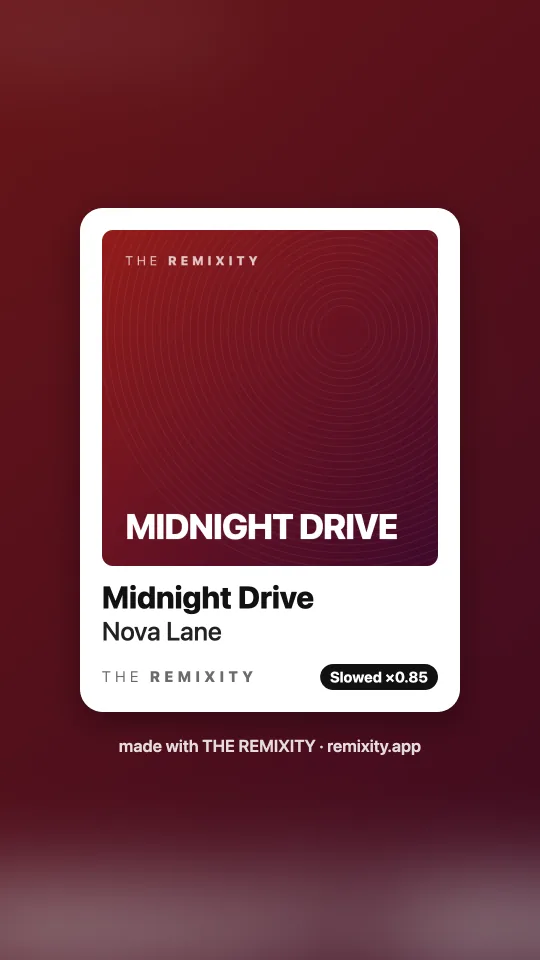
Pick a design
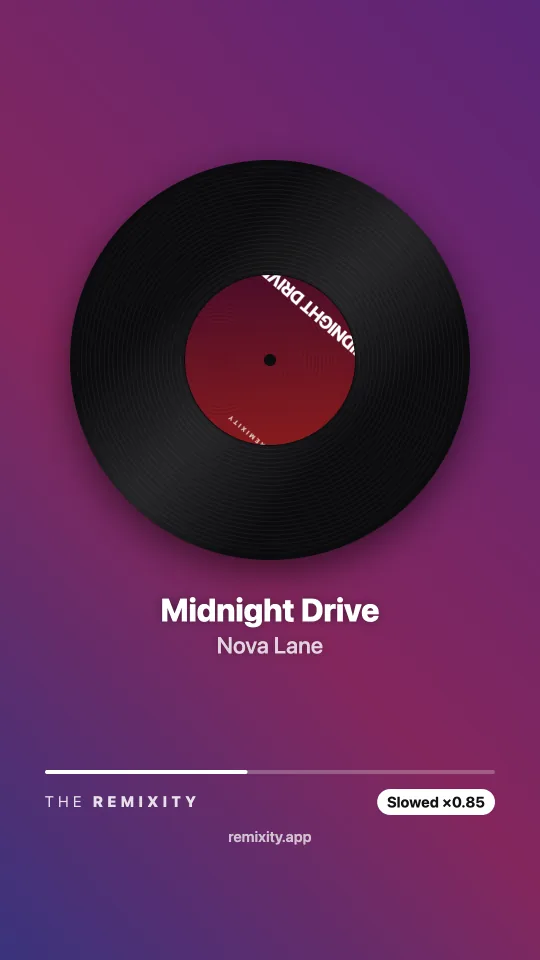
The classic white card, the full-screen cover, a vinyl record, the lyrics of the moment, or the cover with waves. Every design is made from the song's own artwork and colours.
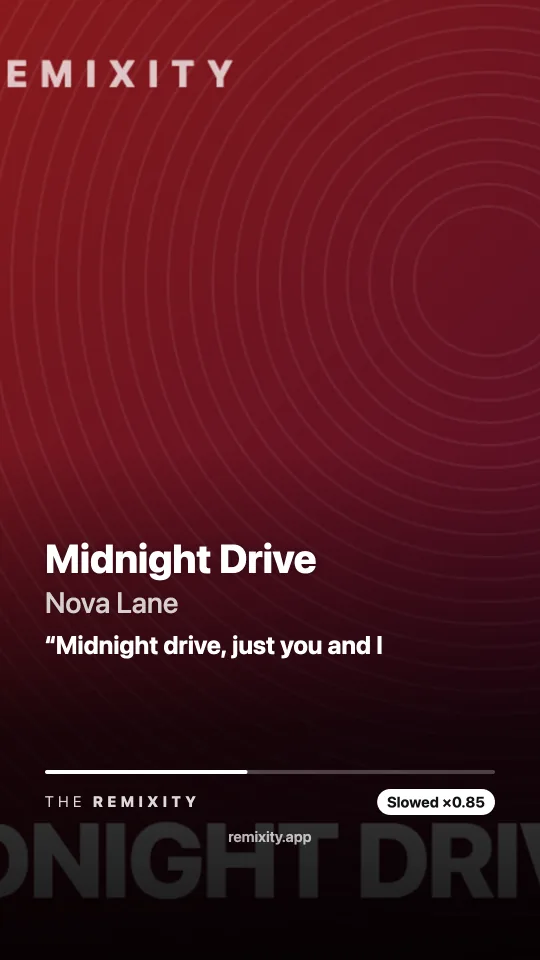
Capture a moment
Choose the moment in the song: with the lyrics line on, the card shows the words sung right then. Pick the background and decide whether to show the speed badge.
No cover? It finds one
Songs without artwork get one: THE REMIXITY looks the cover up in public catalogues, or makes a clean generated one with the title.
Ready to share
Cards are PNG images at 1080×1920, the size of a Story, saved to your phone or shared straight from the app.
How to do it
- Play a song in THE REMIXITY and open the download sheet.
- Tap Make a story and keep Image selected.
- Pick a look, tap Create, then Share.
Questions
Is it free?
Yes, with no watermark beyond the small THE REMIXITY line.
What size are the cards?
1080×1920 pixels (PNG), the size of an Instagram or WhatsApp Story.
Can I make a video instead?
Yes: choose Video 15 s or 30 s for an animated Story with the song playing.